Design System & Mobile App
Proppz
Rebuilding the foundation of an early-stage social app during a sudden product pivot
Proppz is a small mobile app focused on positive social interaction and rewarding creators for real impact.
NDA Notice
Some visuals are intentionally blurred or simplified to respect my NDA with Proppz.
Role
Product Designer
Team
Founder, 2 Developers, 1 Designer (Me)
Timeline
Jan 2025 — Sep 2025
Focus
UI cleanup, early design system, new screen concepts, adapting to a product pivot
Overview
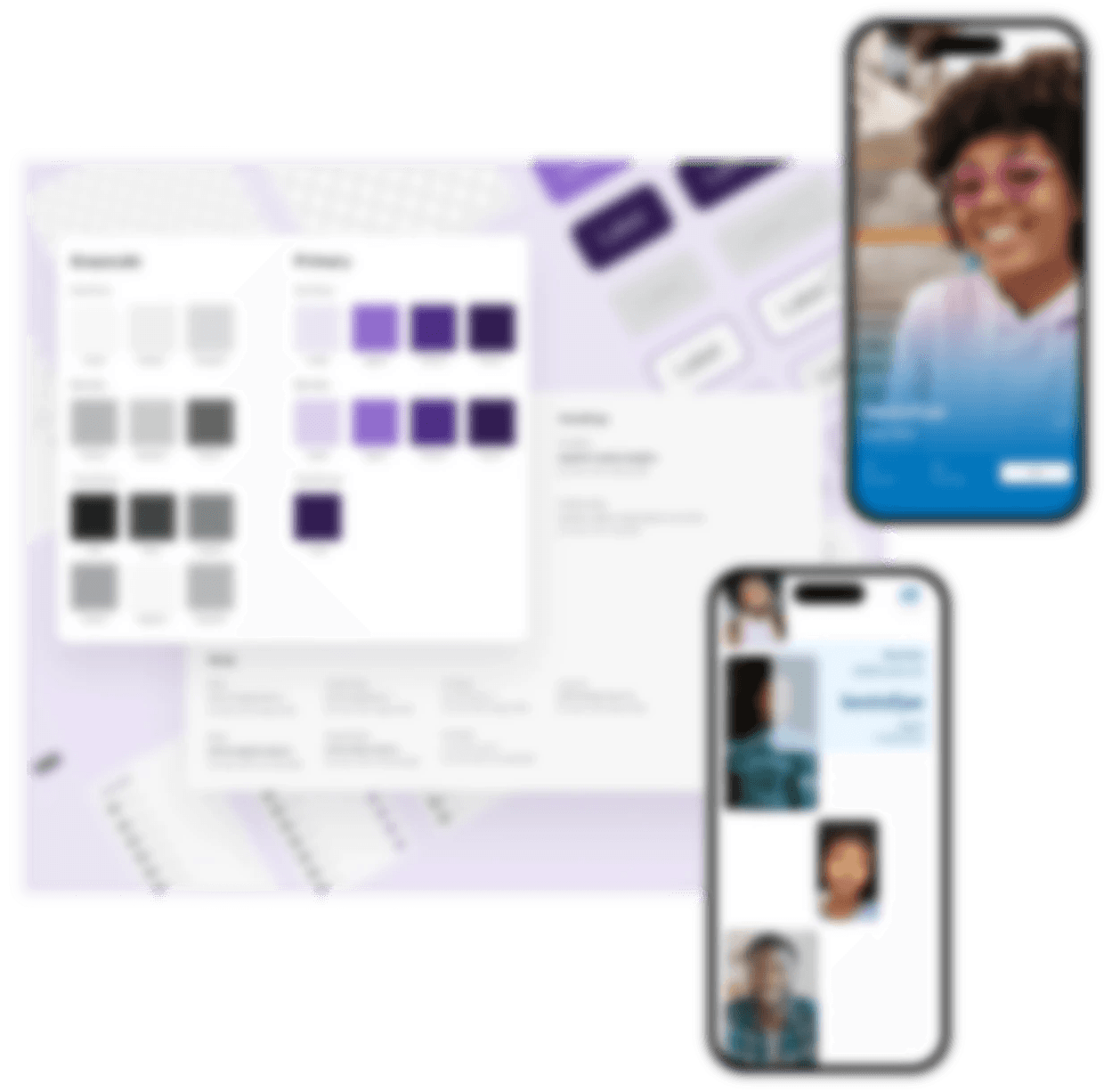
I joined Proppz as a Product Designer to rebuild the UI foundation and redesign key screens.

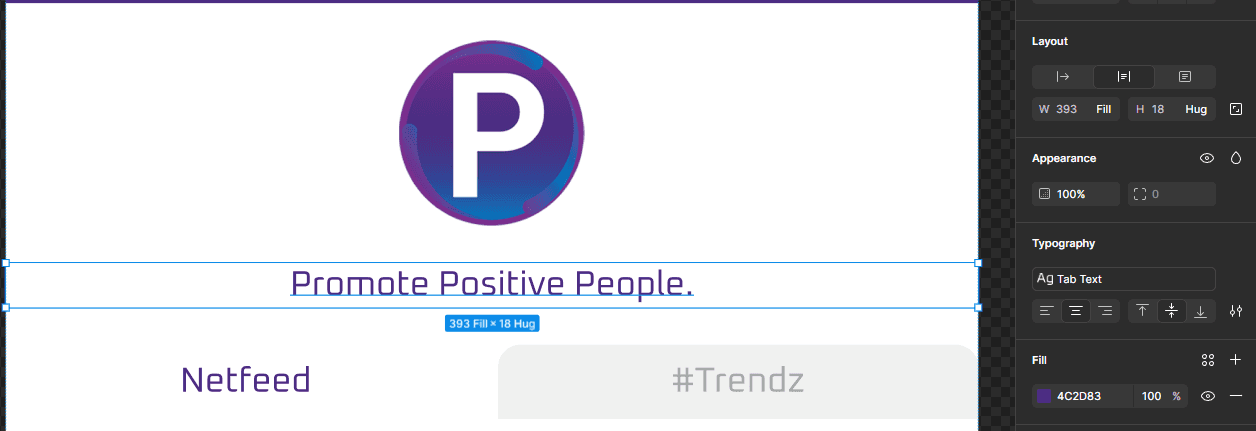
Promoting Positive People.
That's Proppz. Get Some.

Support

Meet
Reward
There was an early app and a fuller app in progress, but no shared design system. Styles were used in random ways and the developer kept rebuilding similar patterns from scratch. That slowed shipping and made it hard to add new features with confidence.
My first focus was cleaning up the existing screens and building a small design system. Halfway through, the founder decided to ship a smaller “pre-app” first for an early launch and marketing campaign. That pivot stress tested the system and showed what actually worked.
Quick summary
Starting point
Two app versions and new features shipping as one off patterns, but no shared design system.
What I did
Audited both app versions, mapped styles and components, and built a small, practical design system. Then I designed and prototyped a new pre-app experience on top of that foundation.
Impact
We moved from scattered screens to a predictable UI with about 40 reusable components. The pre-app flows were ready for build, the developer shipped faster, and I was promoted to Lead Product Designer.
The problem
On paper, the app already had typography and color styles. In practice, they were used in ways that did not match their names.
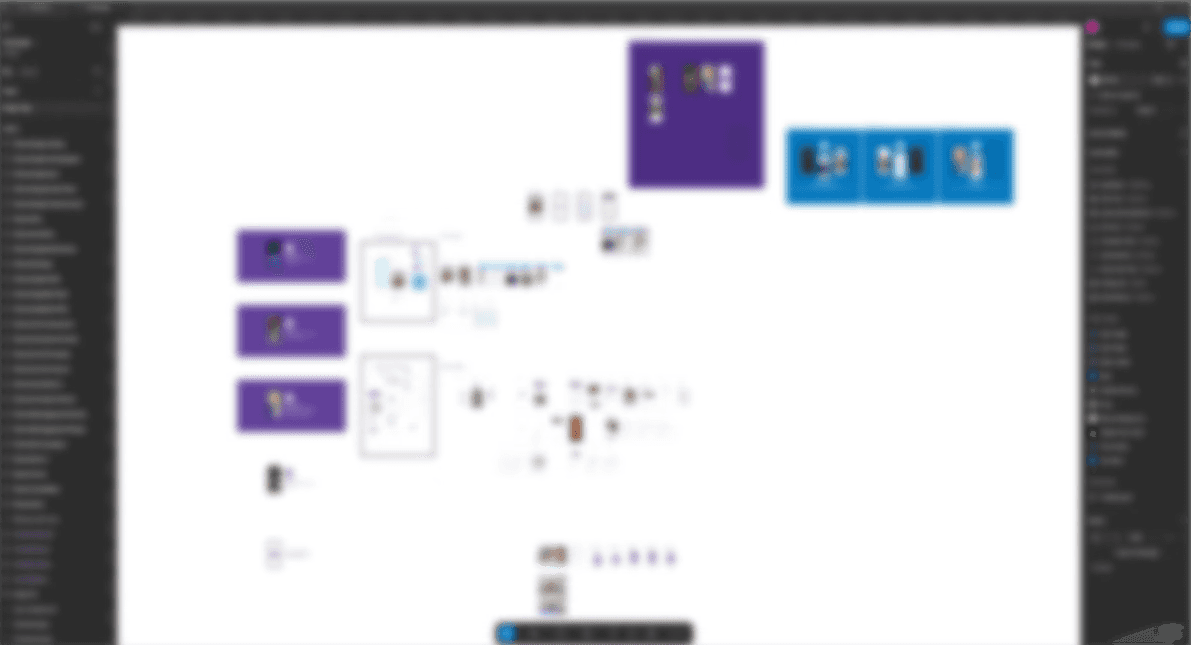
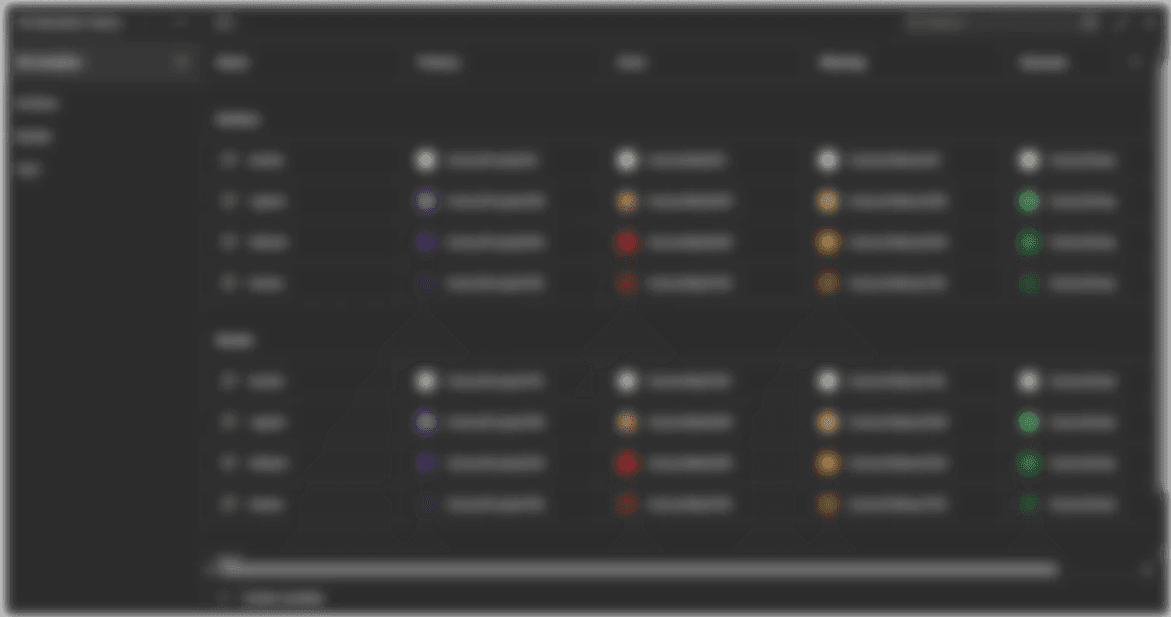
The audit (shown below) made it clear that:
There was no reliable way to reuse UI
Visual decisions changed from screen to screen
Each new feature made the UI harder to maintain
It was still possible to work in this state, but it did not scale. Without a foundation, both the full app and the early app would keep drifting further apart.
My role
I was the only designer, working directly with the founder and the main developer.
My responsibilities:
Clean up the original UI and flows
Build the first version of a design system
Create reusable components with clear naming
Define basic spacing, type, and color rules
Redesign unclear or inconsistent screens
Concept and prototype new screens for the pre-app
Work with the developer on feasibility and edge cases
As the pre-app direction became clearer, I also kept the system in sync with the actual product instead of leaving it as static documentation.
Approach
Audit the current product
The first step was to get everything into one place. I pulled both versions of the app into a single Figma file so the team could see the full picture. I focused on three things:
Collected key screens from each version
Marked where patterns were similar, different, or conflicting
Grouped elements by function so we could see which patterns actually repeated
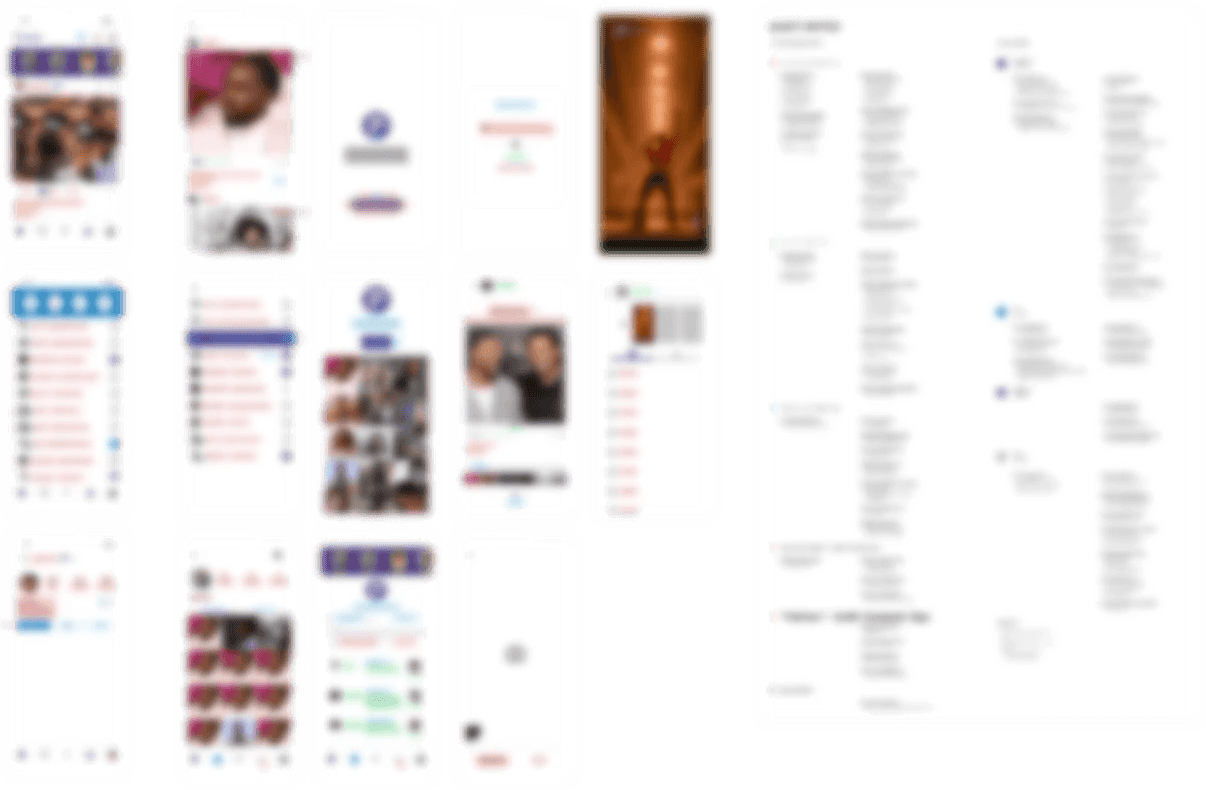
Figma audit file where I mapped screens, text styles, and components across both app versions.
This gave the team a shared view of reality and a clear list of patterns that needed to be standardized first.
Build a small system from real screens
Instead of trying to design a perfect system, I focused on what the product already used and what was coming next. The first version of the system included:
Type styles
for display, headings, body, labels, and captions, each with a clear role and example usage
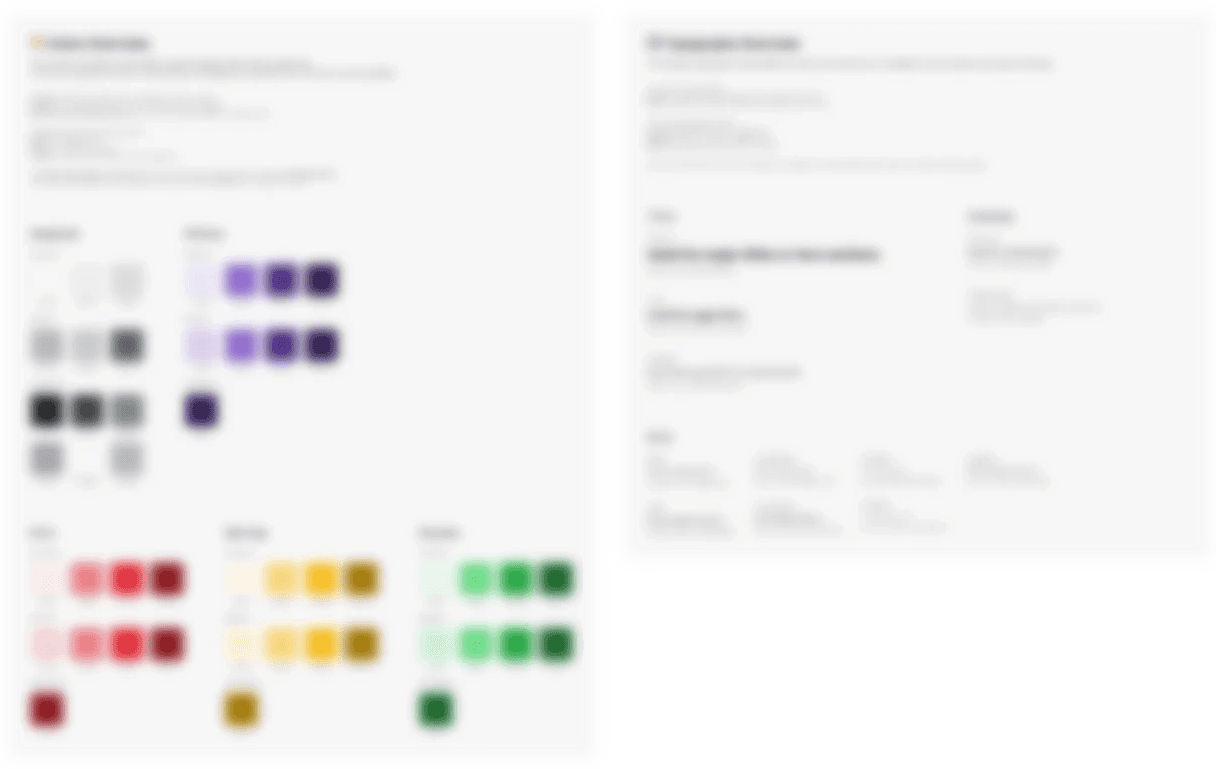
Color tokens
for primary, secondary, background, surface, and states, mapped to real use so developers could plug them into code
Core components
for buttons, inputs, cards, list items, navigation, and a few key layouts
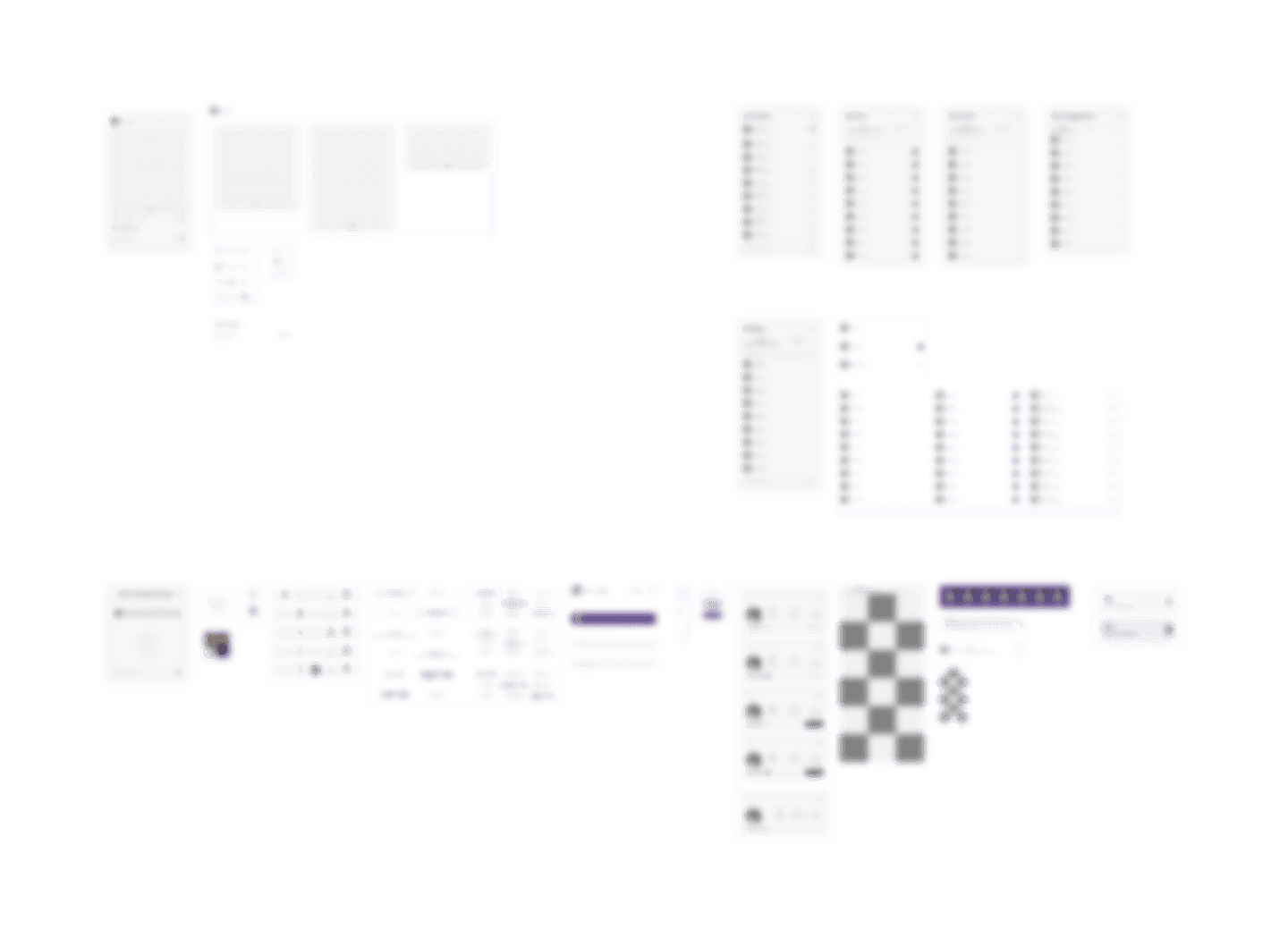
Together, these covered most of the existing UI in about 40 reusable components.
Some patterns were generalized too early and broke once new screens appeared. Those components were simplified, then rebuilt around real screens instead of abstract rules. That shift kept the system practical and made it easier for the developer to adopt.
Support a sudden pre-app pivot
Midway through the work, the founder decided to launch a smaller pre-app first for early users and a marketing campaign. The goal was to give people a peek at Proppz, run timed drops, and create a simple VIP experience for DayOnez members.
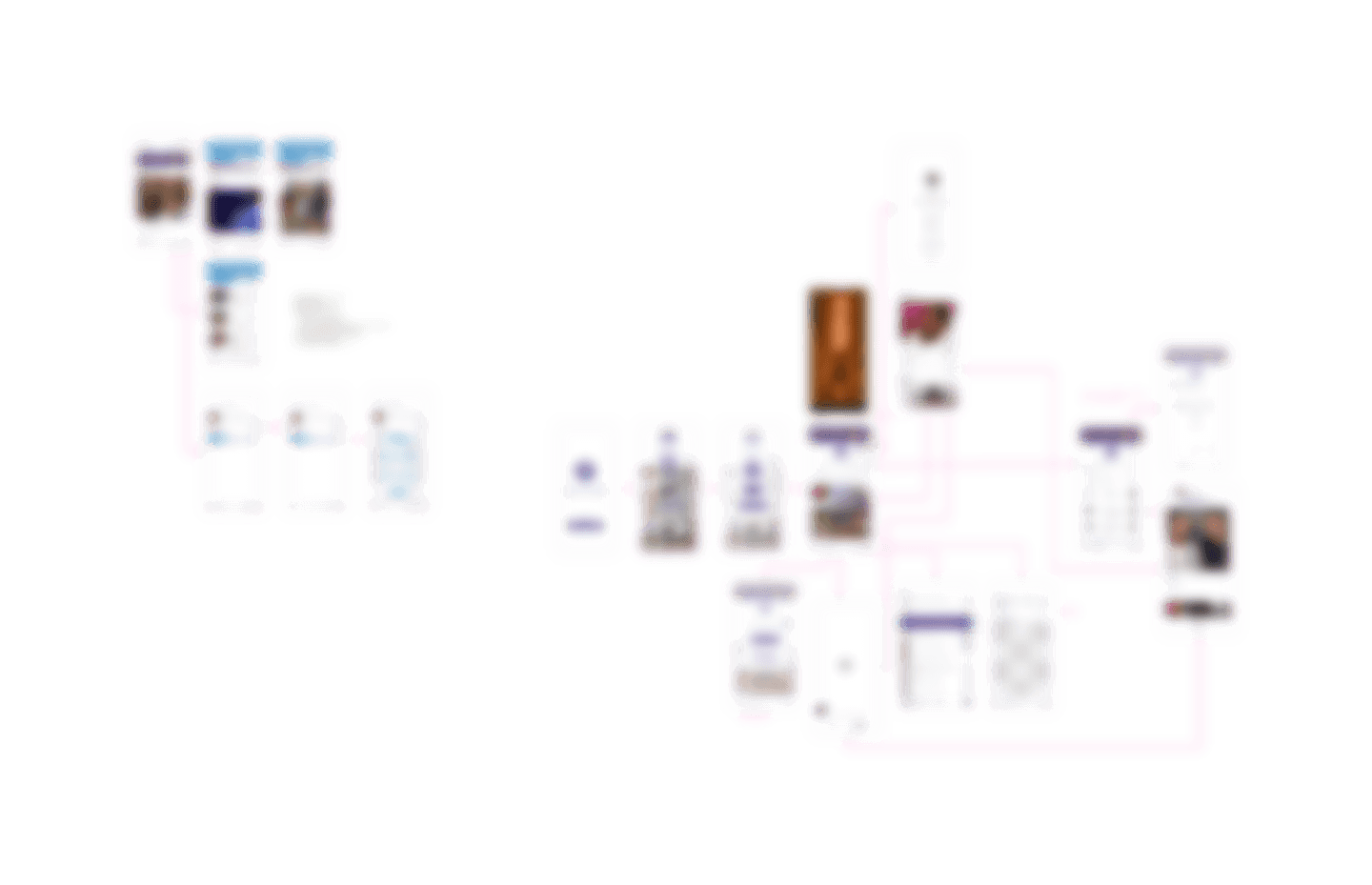
The exploration board in this section shows how many directions we tried. From that mess, I narrowed things down into a single, lighter flow that still felt like Proppz but fit the smaller scope.
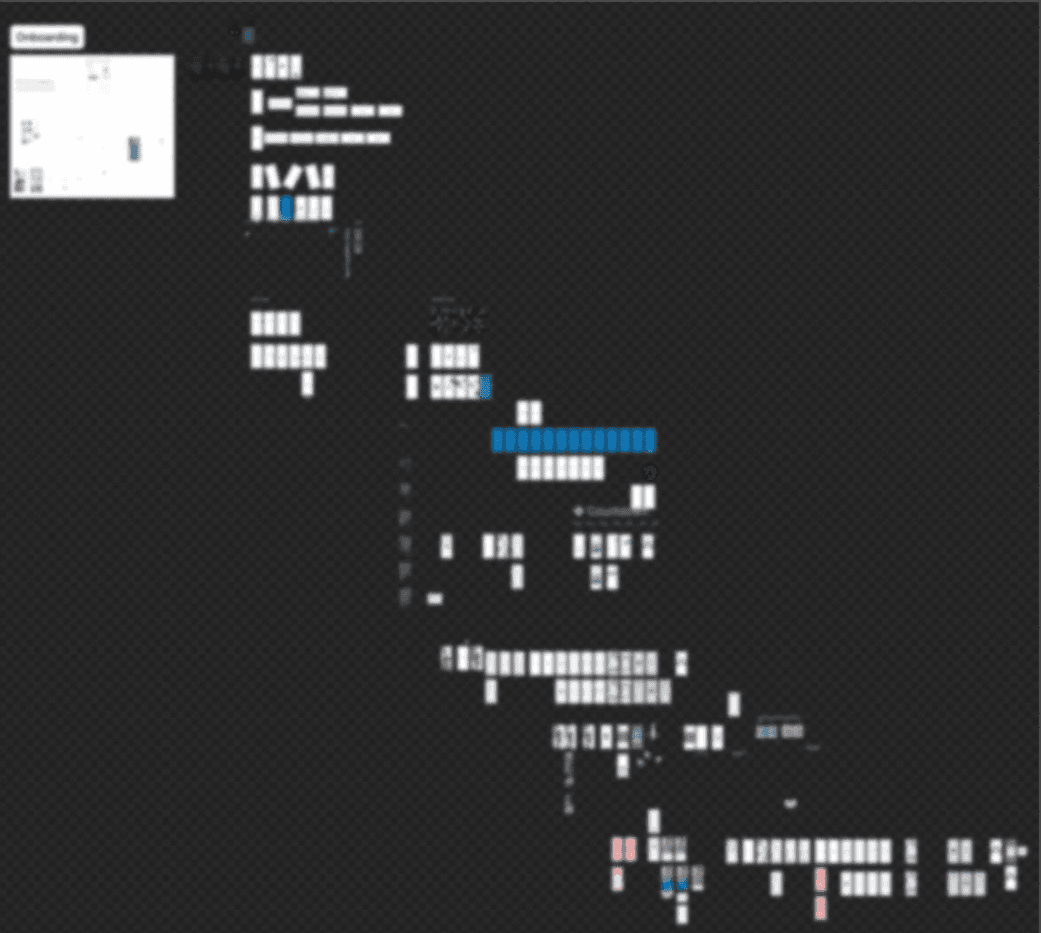
Zoomed out exploration board for the pre-app, with dozens of early screens to test different layouts for teasers, drops, and VIP access.
Once the main flows were clear, I updated the system so the same tokens and core components could support both the full app and the pre-app. We kept one shared foundation instead of splitting into two separate systems.
Outcome
By the end of the project:
The UI moved from one off screens to a reusable system
Typography, spacing, and color followed shared rules across both app versions
Around 40 components covered most product patterns
Pre-app onboarding and core flows were designed and prototyped for development
Development sped up because the same building blocks were reused instead of rebuilt
My scope grew to owning system and UI direction, and I was promoted to Lead Product Designer
Reflection
Building a system while everything is still changing
Key takeaways:
Start with a small, practical system and let it grow with the product
Fix inconsistencies early so pivots are adjustments, not full rebuilds
Use real screens and flows to decide which patterns belong in the system
The first version of the system was not “wrong.” It was just early in some areas. The real value came from staying flexible, updating it as we learned, and keeping the app from becoming unmanageable while the team moved quickly.
Lesson Learned
A good system keeps teams aligned, not restricted.
Thank you for reading!
Please feel free to reach out with any questions or to connect.